
Labs
Hands-on labs your users open in one place
A hands-on lab is an all in one, flexible interface. It runs your product along with the databases, services, and accounts around it, so what your users touch is the real thing. You decide what they do inside it: explore freely, follow a fixed sequence with every step confirmed, or anything between.
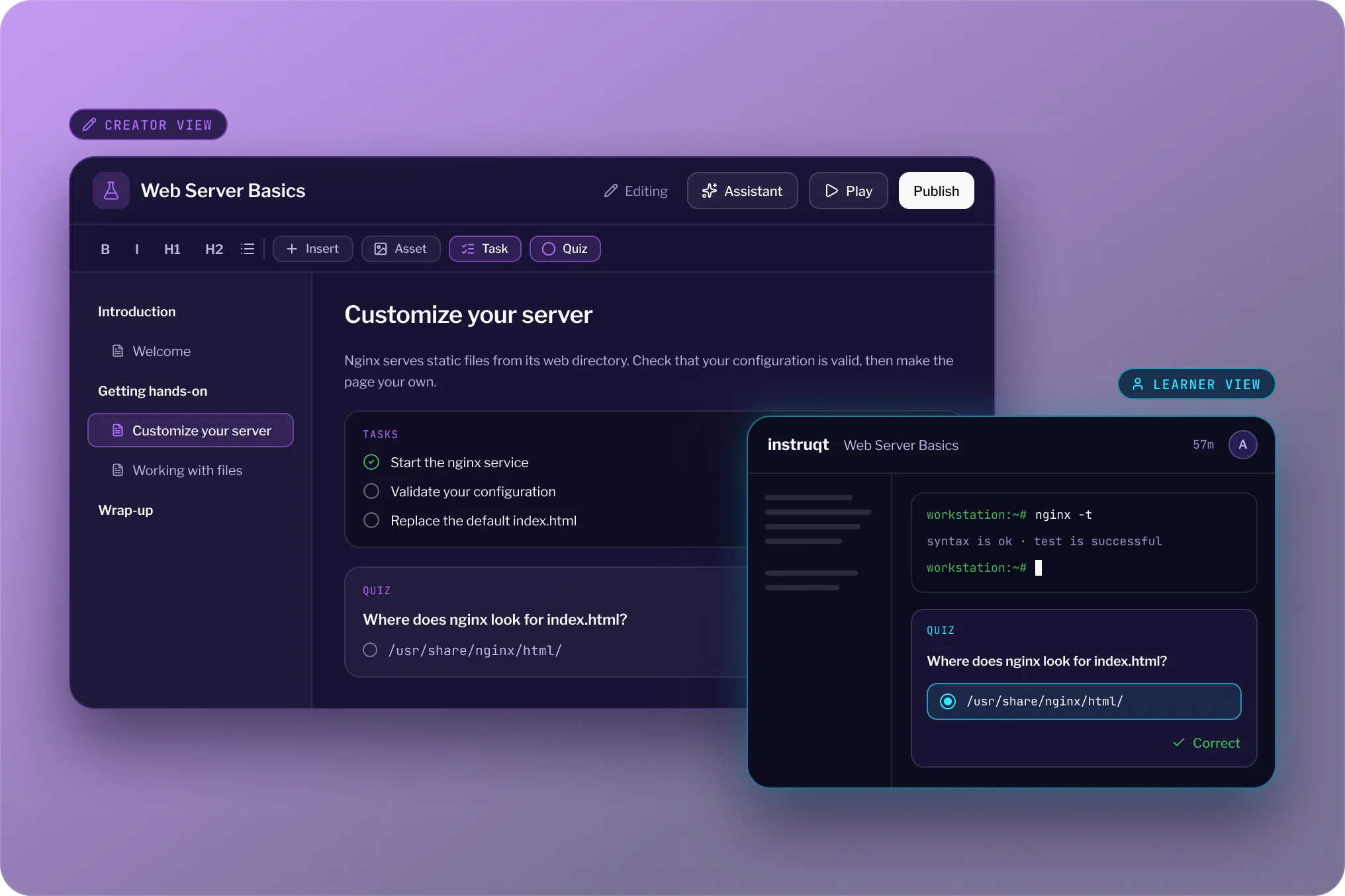
Trusted by the teams building the future of software

.webp)

WHAT YOUR USERS GET
An experience that makesyour product look good
Your users came to see what your product does. Everything between them and that is friction you pay for. A hands-on lab removes it.
The real thing, not a description of it
A lab runs your actual product along with the services, data, and accounts it depends on, in a software environment, not a kit or a video. What your users do inside it is what they would do for real.
Nothing to install
One link opens a working environment. No setup, no dependencies, no version conflicts on their machine. Everyone starts from the same place, whatever they are running.
One window, not ten
The instructions, the product, and everything needed to do the work sit in a single interface. Nothing to switch between, nothing to lose track of.
Build it once, run it everywhere
Save a lab as a template, or package the pieces as a module your team reuses. The same experience runs for one prospect or a thousand users without being rebuilt.
Inside the lab
Build hands-on labs yourusers need
Three things you control: the workspace they work in, the guidance they follow, and the checks that confirm they got there.
01 · BUILD
Put the right tools in front of them
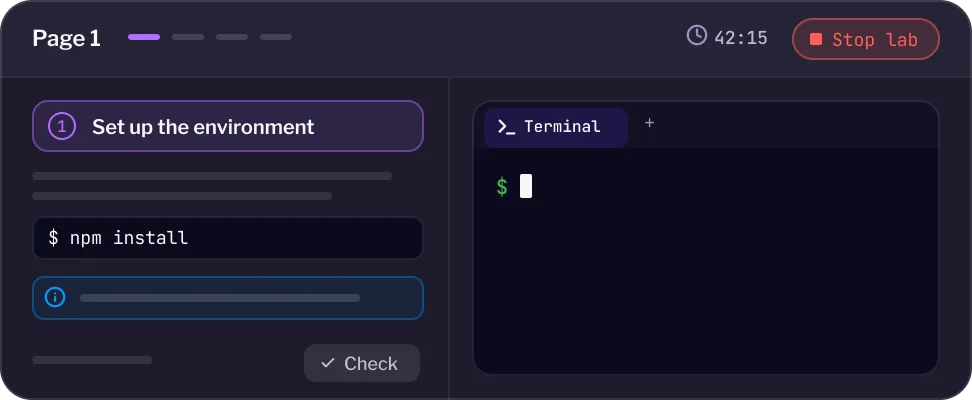
Choose what sits in front of your users: a terminal, a code editor, a virtual browser, their cloud credentials, a notes panel. Set the layout per page so the screen matches the work, and let your users move panels around to suit how they work.
Terminals, editors, virtual browsers, notes, and credentials as tab types
Layouts set per page, so the screen changes when the work does
Your users can rearrange panels to match how they work
See sandbox environments

02 · CONNECT
Guidance that does more than tell them
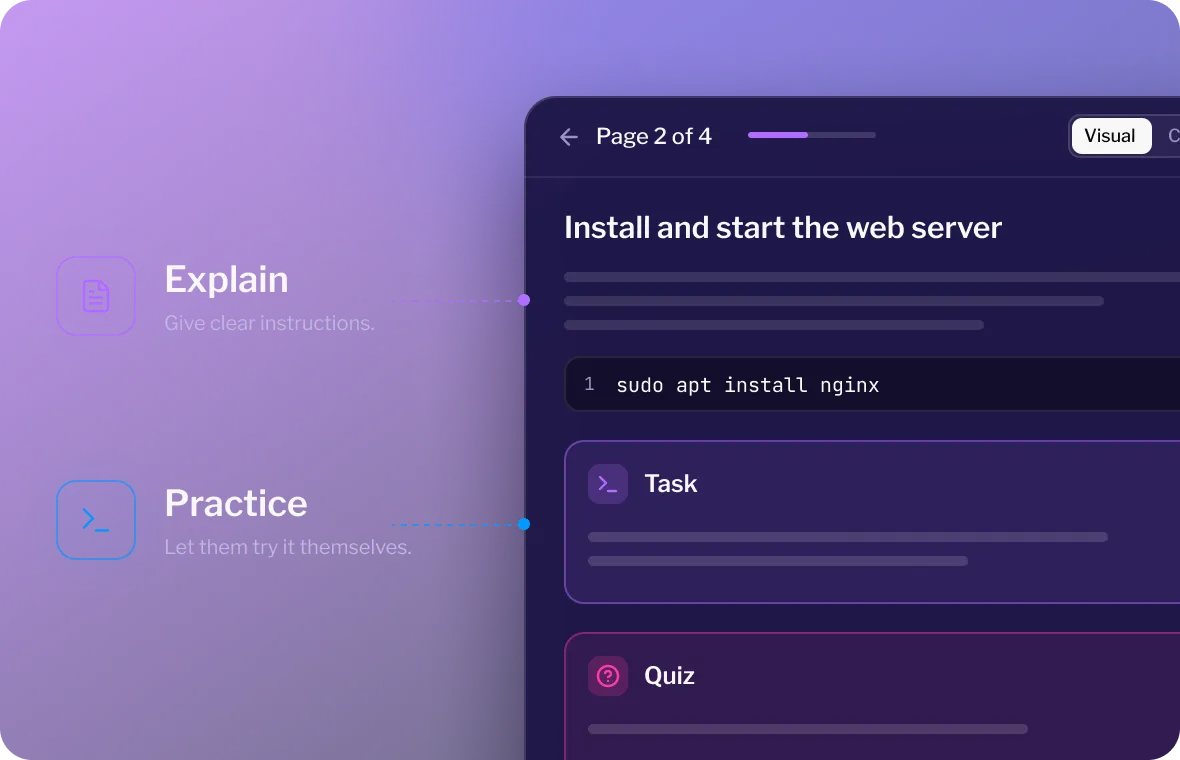
Instructions sit next to the running product, formatted the way you want them read. Embed the slides, PDFs, videos, and images you already have. Put commands in code blocks your users run with one click instead of copying and pasting, and group examples by language when your product supports more than one.
Google Slides, PDFs, video, and images embedded inline
Runnable code blocks, so nobody mistypes a command
Tab groups for multiple languages in the same instruction
See how AI drafts this for you
03 · VALIDATE
Know they did it, not that they clicked next
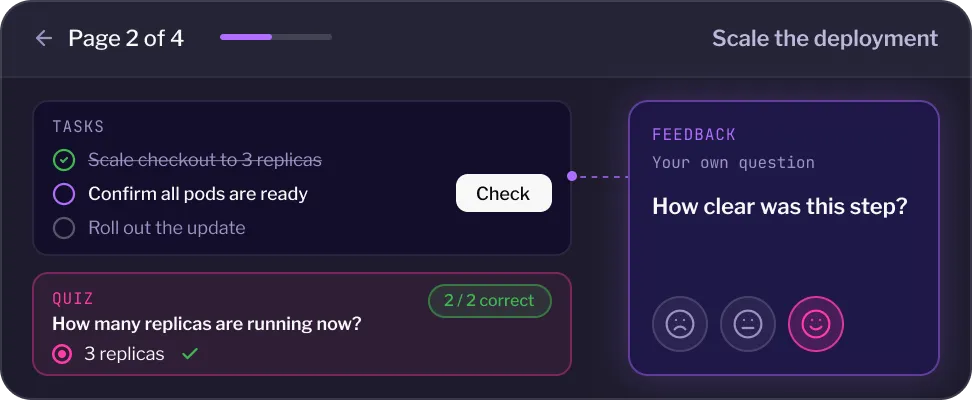
Tasks check the state of the environment itself, so completion means the work happened. When it fails, your users find out what went wrong instead of guessing. Quizzes check the thinking behind the work, and feedback on any page shows you where the experience breaks down.
Tasks confirm real work in the environment, with feedback when it fails
Quizzes inline on any page, as many questions as the step needs
Feedback per page, so you see which step lost people
See it in your CRM
Where it runs
Wherever your usersalready are
A lab is a URL, so it runs wherever you need it. Nobody signs up for anything, and nothing changes about what is inside.
Your academy or LMS
Sits alongside the rest of your content, with the environment running inside it.
Your marketing site
Let people try the product on the page where they are deciding.
A link in an email
One click into a working environment, no install and no account.
A POC they keep after the call
Leave the environment behind so the evaluation carries on without you.
Labs run on sandbox environments and disposable cloud accounts, and can be built with AI-assisted lab authoring or managed as code with Lab-on-Code.
See embedded labs
THE DIFFERENCE
The Instruqt Difference Version control that teams can actually review.
Most of what goes wrong goes wrong before anyone touches your product.
The traditional approach
The first twenty minutes go on installing dependencies, and some people never get past it.
Instructions live in one window and the product in another, with copy and paste in between.
Environments reset between steps, so people lose work and lose their place.
A single rating at the end hides which step lost people.
With Instruqt
One link opens a working environment, the same one for everyone, on any machine.
Instructions, the product, and the checks sit in one interface.
State carries across pages, so nothing resets partway through.
Tasks and per page feedback point at the exact step that failed.


Ready to get started? Book a demo with our team
Get a Demo
USE CASES
See where Lab-as-Code creates value
Teams use versioned labs to ship demos, training and developer content faster — without stepping on each other.

.svg)
Let prospects drive
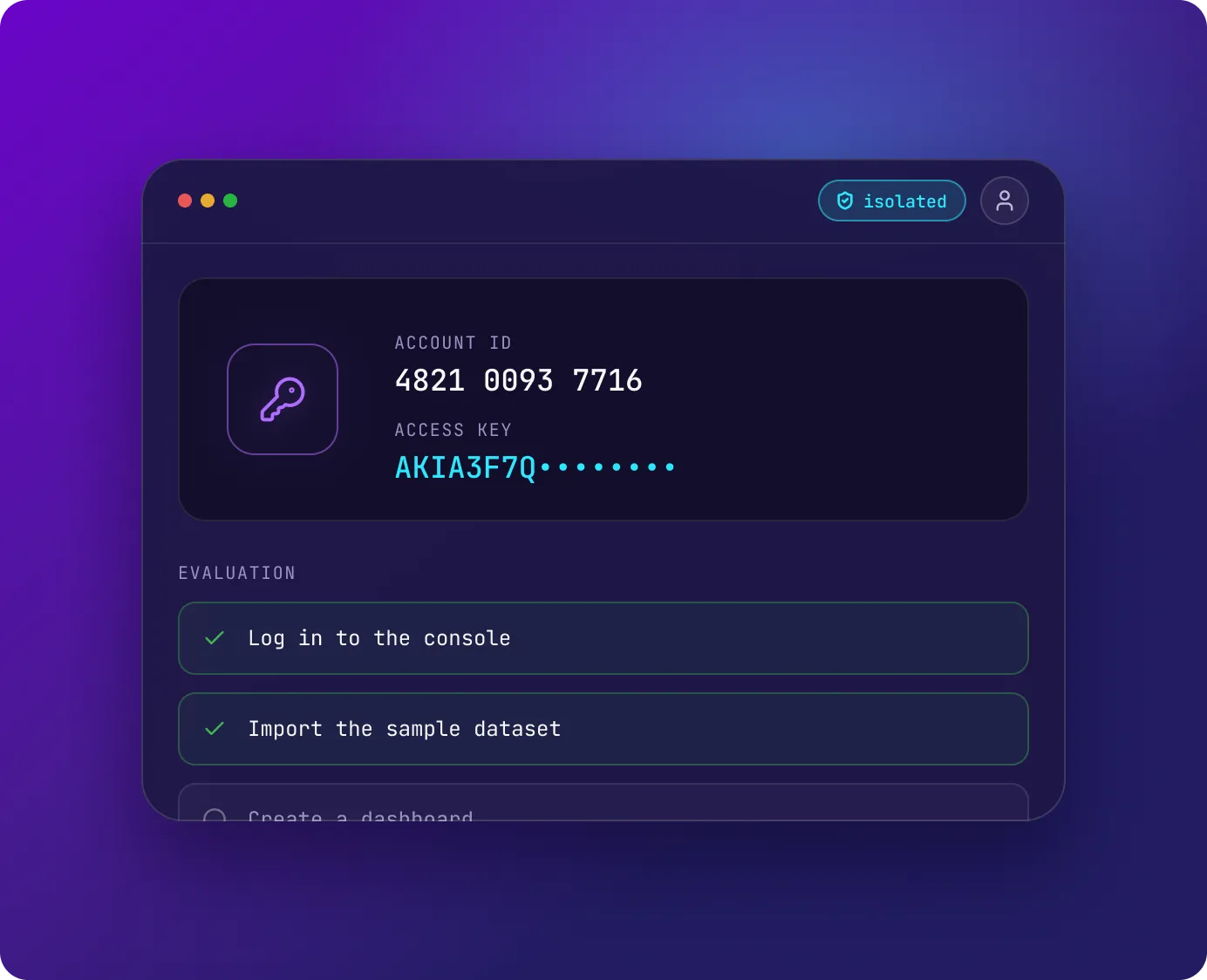
Hand a prospect the product with their own accounts and data already in place. Guide them as much or as little as the deal needs, from a fixed evaluation path to an empty environment they explore themselves.
Run a lab with no instructions at all when free exploration is the point
Cloud credentials sit in the interface, so access is never the blocker
Tasks confirm which parts of the evaluation got done
Learn more
Run it live, or let people take their own time
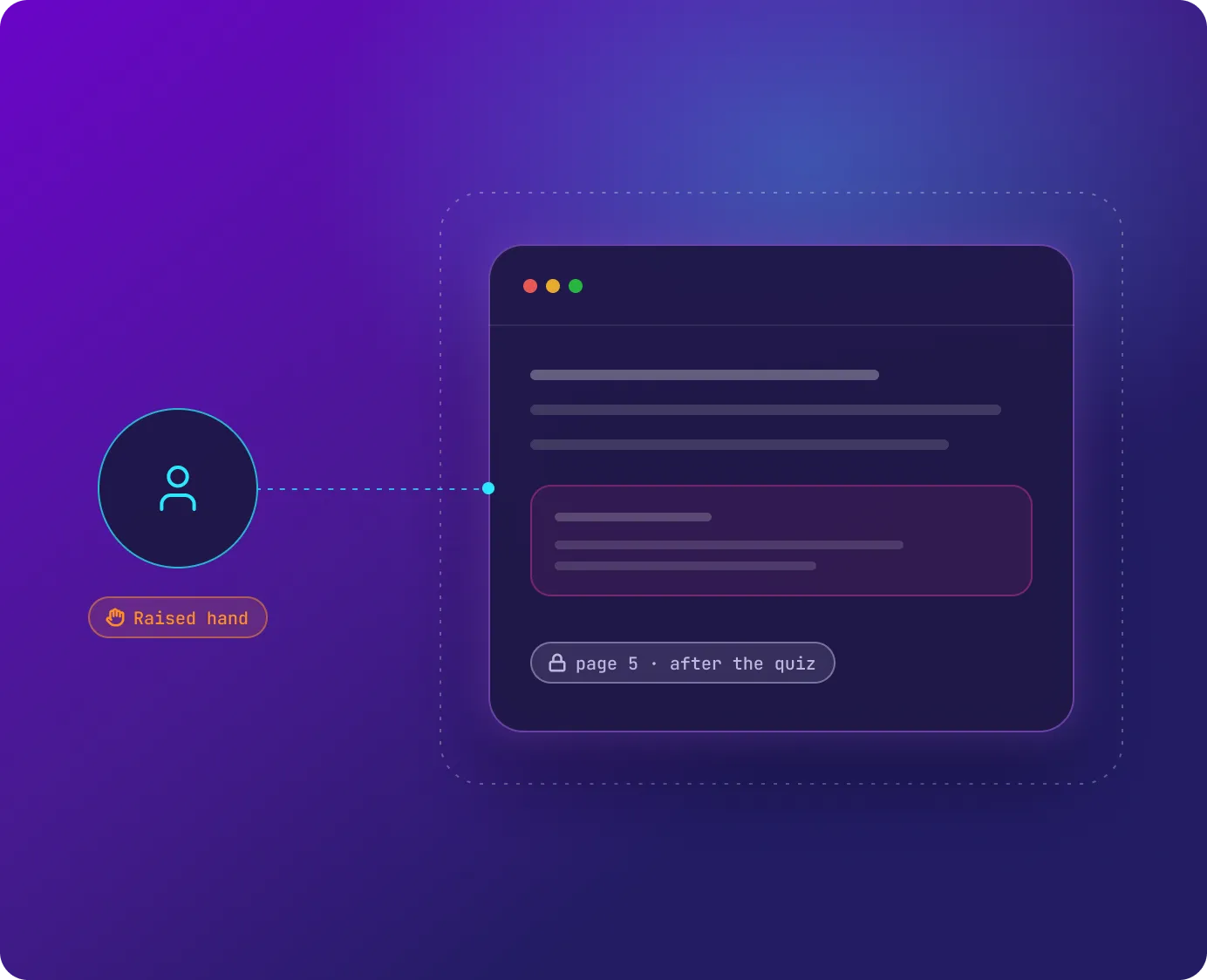
Run it live and you can see who is stuck and step into their environment to fix it. Leave it open and your users start when it suits them, stop, and pick it back up where they left it.
Spot a stuck user from a raised hand, a message, or the activity view, then open their environment and fix it live
Pause and resume without losing the environment, for people working alone
Gate the sequence when order matters; tasks and quizzes confirm progress with nobody watching
Learn more
Let people try it before they talk to anyone
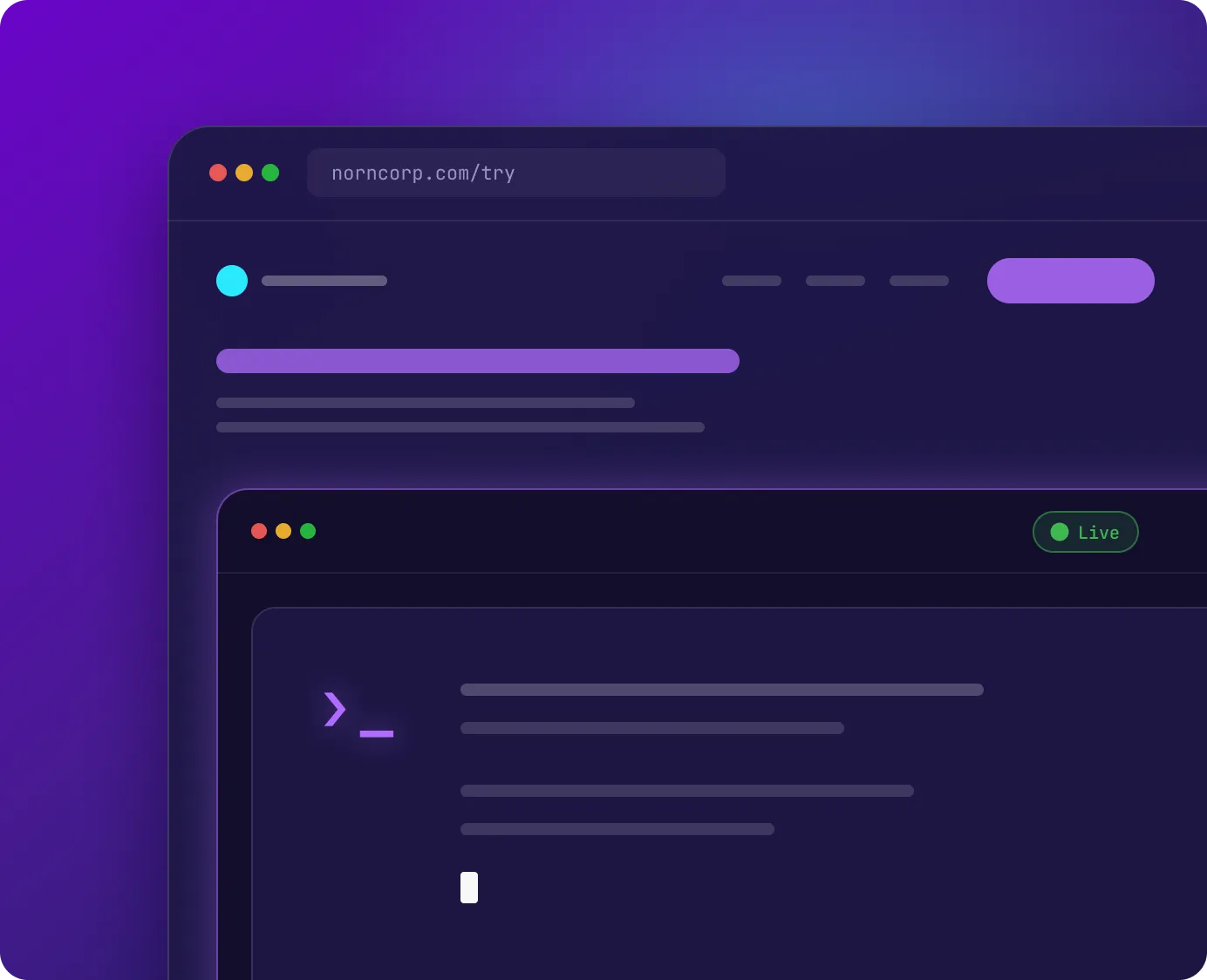
Put a working version of the product on the page where people are deciding. They use the real thing instead of watching a video of it, and finish somewhere you choose.
Embed a lab on your site, in a campaign, or behind a webinar
Nothing to install, so nobody drops out before they start
Completion component routes them to a demo, a signup, or your docs
Learn more
Give developers something to run, not a tutorial to read
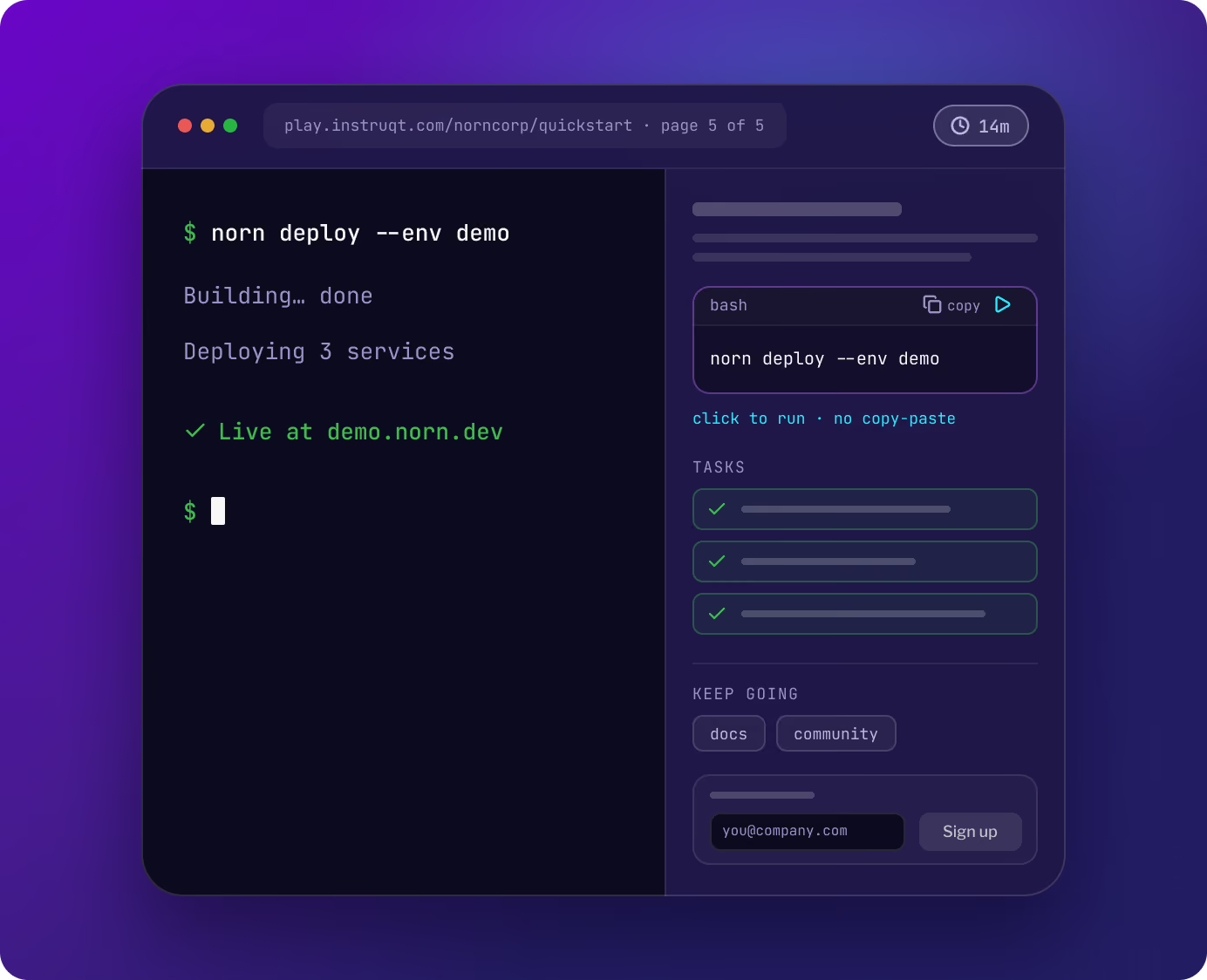
A working environment on the first page, still running on the last. Developers try the thing they came to try, and finish somewhere useful: your docs, your community, or a signup.
Nothing to install, so nobody drops out during setup
Runnable commands instead of copy and paste from a tutorial
Completion component points people to docs, community, or signup
Learn more
TESTIMONIALS
What our clients say
Teams shipping hands-on content every week — and the impact it has on their product and their customers.
Keith Manville
Customer Engineer, Google Cloud Security
.png)
Read story →
“The hands-on labs and instant feedback are invaluable, and we've been able to scale our training process globally.”
Rick Jester
Software Engineer, Toshiba Global Commerce Solutions
“In less than a year on Instruqt we’ve gone from one workshop to over 25 labs, with the same small team of sales engineers. Instead of ten workshops at 25 attendees each, we run one and reach 400 customers at a time.”

Brandi Coleman
Director, Americas Enterprise Sales Engineering, BMC

Nigel Douglas
Head of DevRel, Cloudsmith

Nick Drost
GVP Solutions Architecture, Elastic

Tim Koopmans
ScyllaDB

Alex Rosenkranz
Engineering Manager, Datadog
Joe Titra
Global Head of Technical Enablement, Wiz
Keith Manville
Customer Engineer, Google Cloud Security
Read story →
“The hands-on labs and instant feedback are invaluable, and we've been able to scale our training process globally.”
Rick Jester
Software Engineer, Toshiba Global Commerce Solutions

Jeff Price
Field CTO, SUSE North America
“In less than a year on Instruqt we’ve gone from one workshop to over 25 labs, with the same small team of sales engineers. Instead of ten workshops at 25 attendees each, we run one and reach 400 customers at a time.”
Brandi Coleman
Director, Americas Enterprise Sales Engineering, BMC
Nigel Douglas
Head of DevRel, Cloudsmith
Nick Drost
GVP Solutions Architecture, Elastic
Tim Koopmans
ScyllaDB
Alex Rosenkranz
Engineering Manager, Datadog
Joe Titra
Global Head of Technical Enablement, Wiz