
Version, review, and ship labs as code
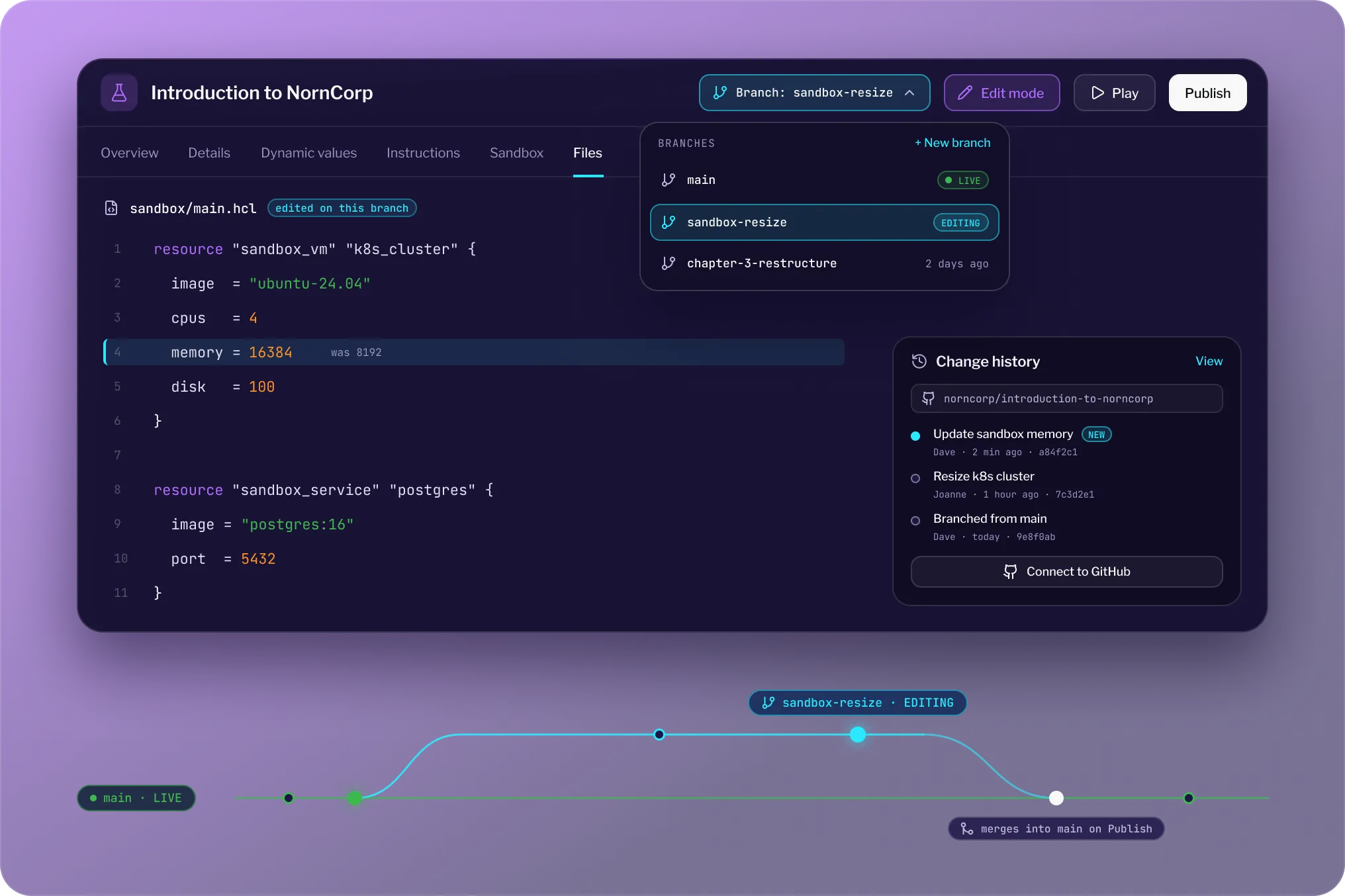
Lab-as-code means building hands-on labs the way you build software: version controlled, branched, and reviewed. Every Instruqt lab is version controlled from creation. Branch, tag, and edit in the product, or connect your own GitHub repository and manage lab content alongside your product code.

.webp)

Hands-on labs as code, from the first commit
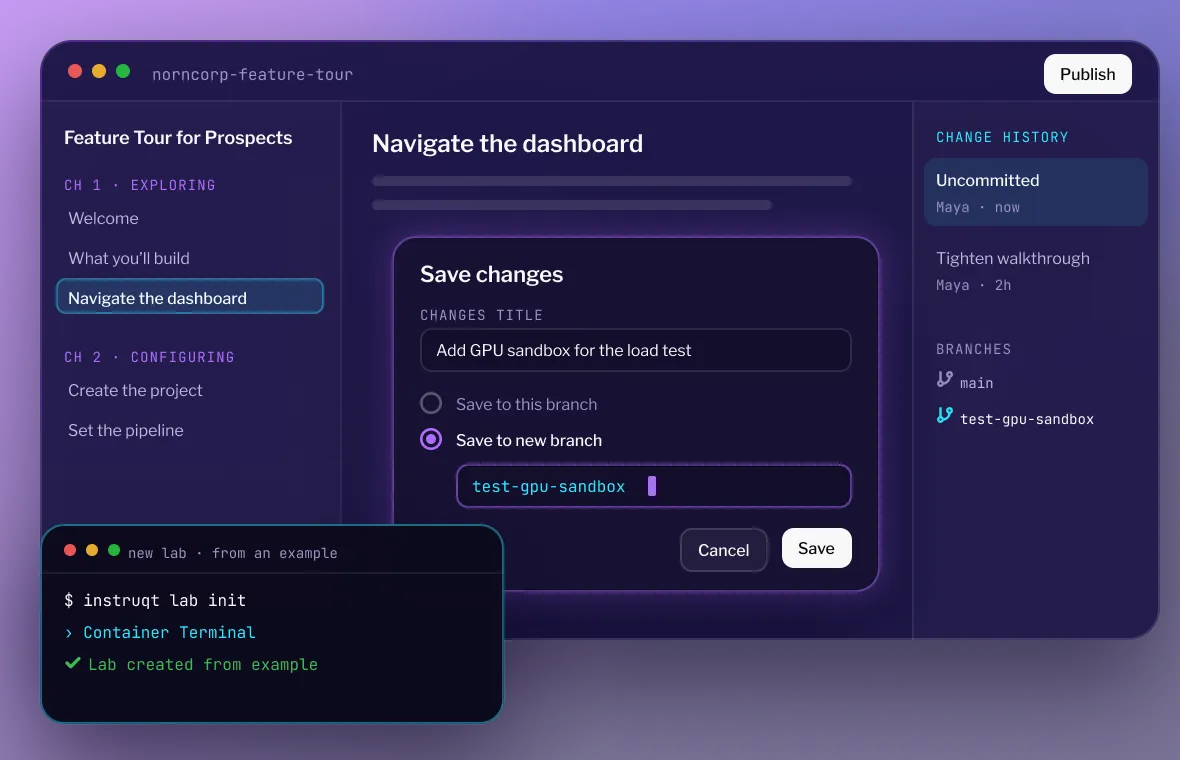
Branch and edit without breaking production

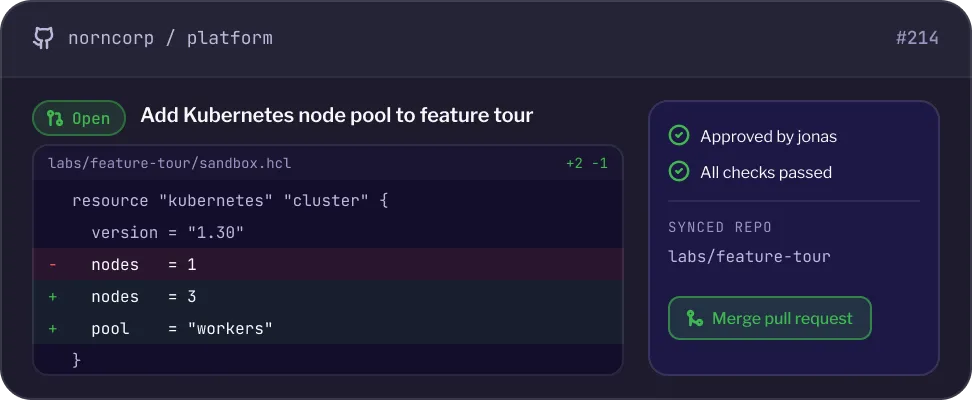
Manage labs in your own GitHub repository
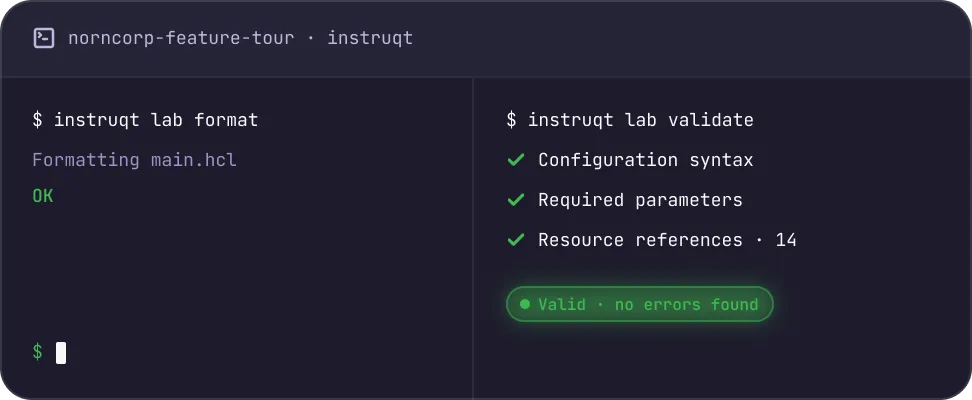
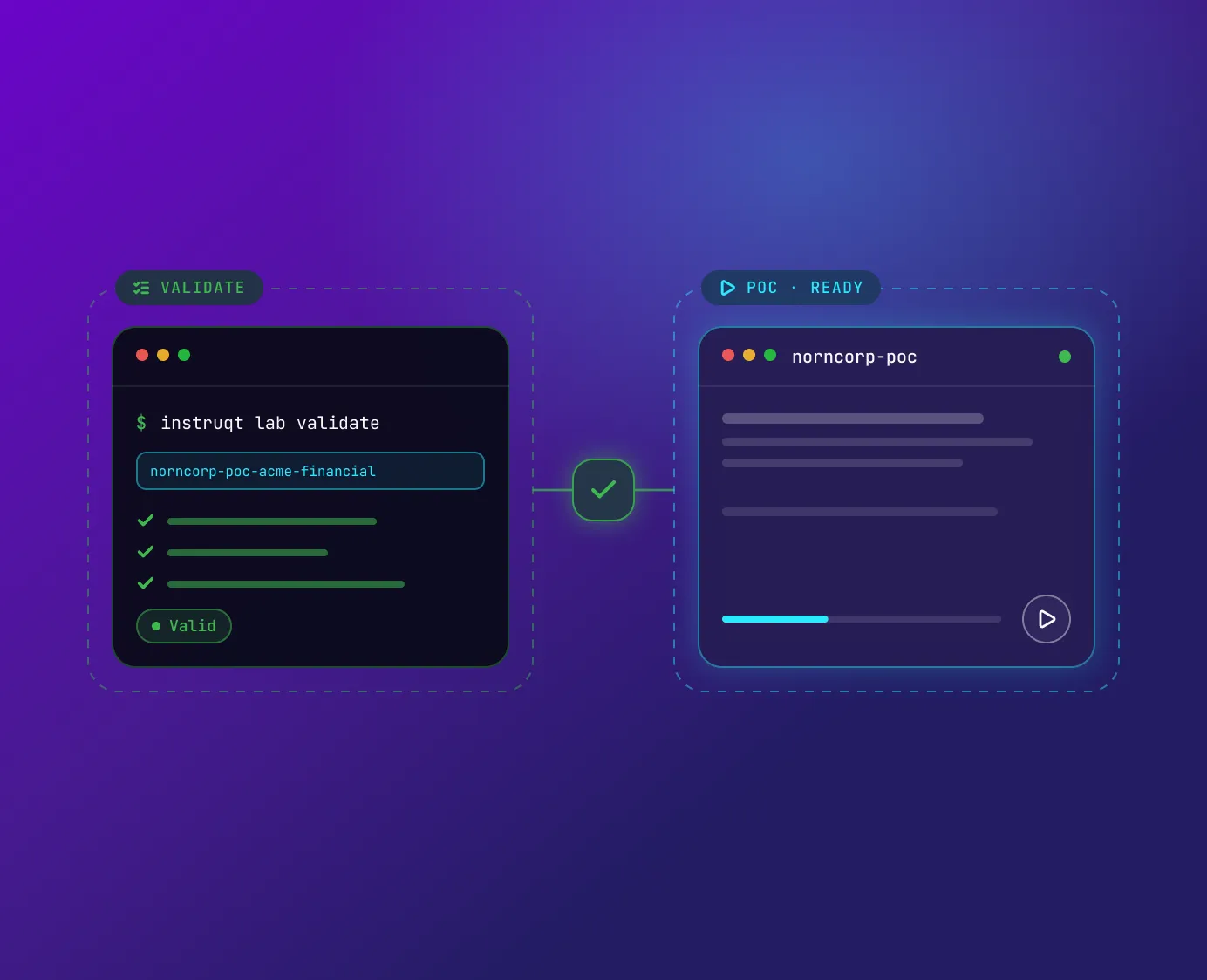
Validate before a learner ever opens it
The Instruqt Difference Version control that teams can actually review.


See where Lab-as-Code creates value

.svg)
Standardize the demo, customize the deal
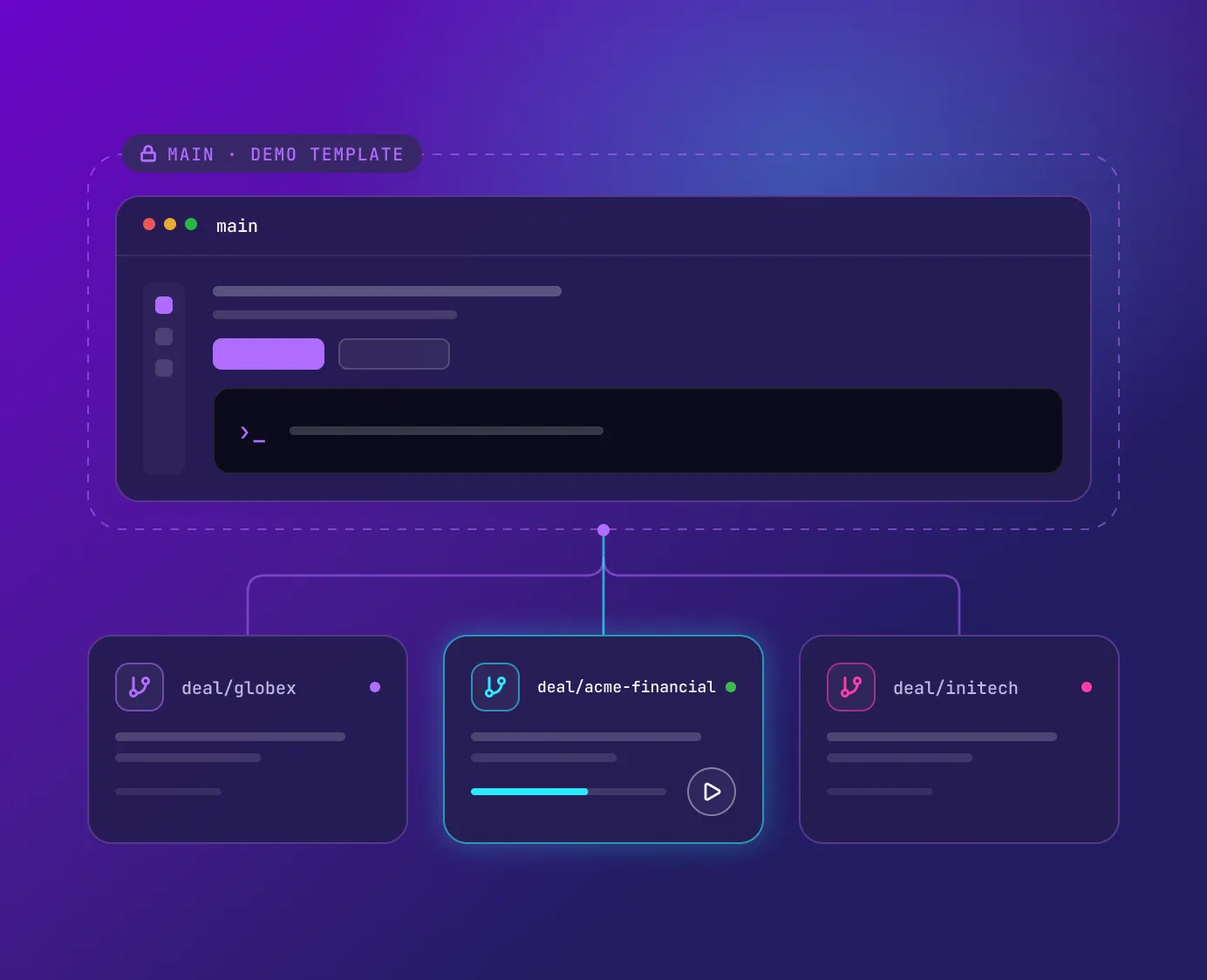
Keep course content current as the product changes
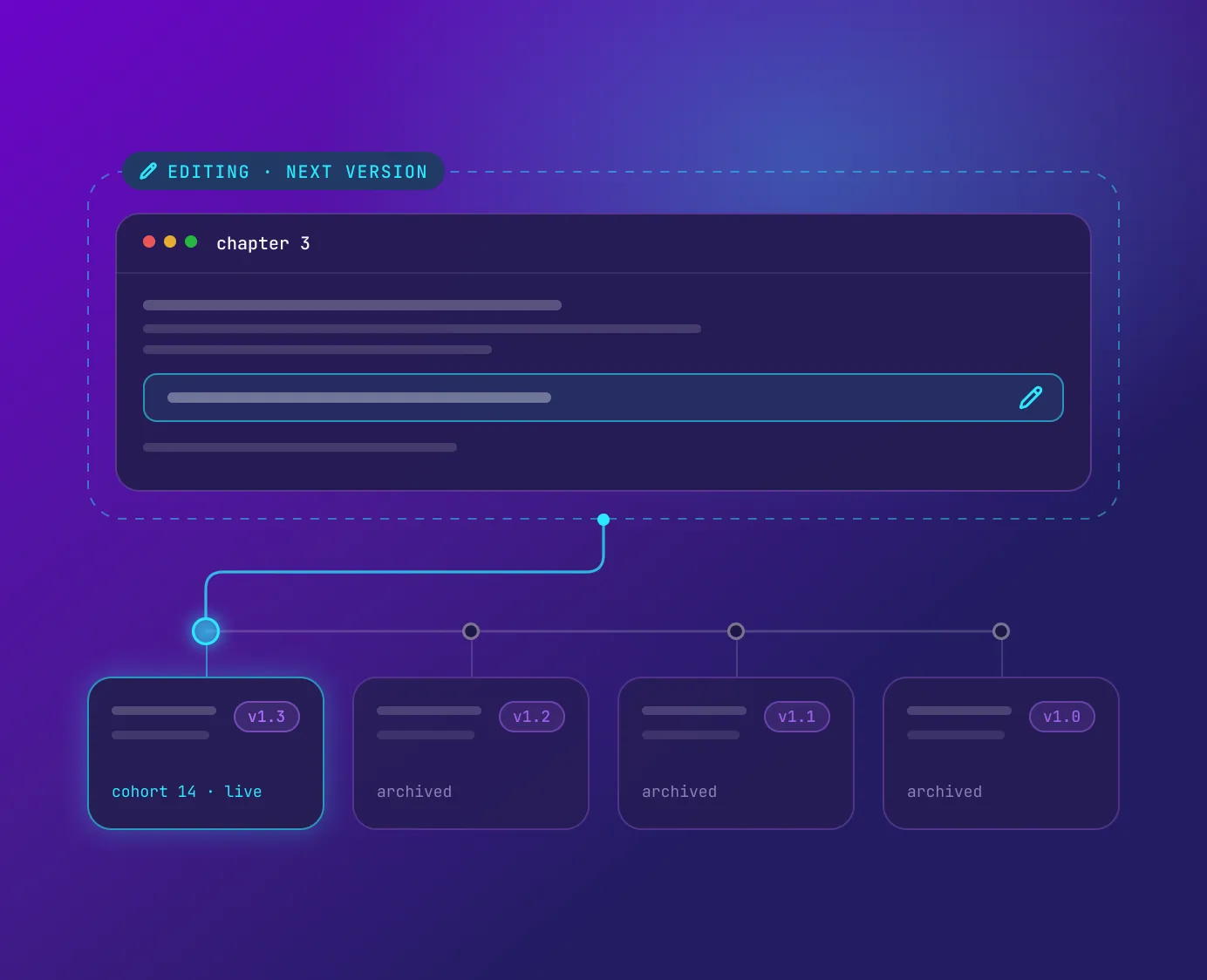
Open lab authoring to the whole team
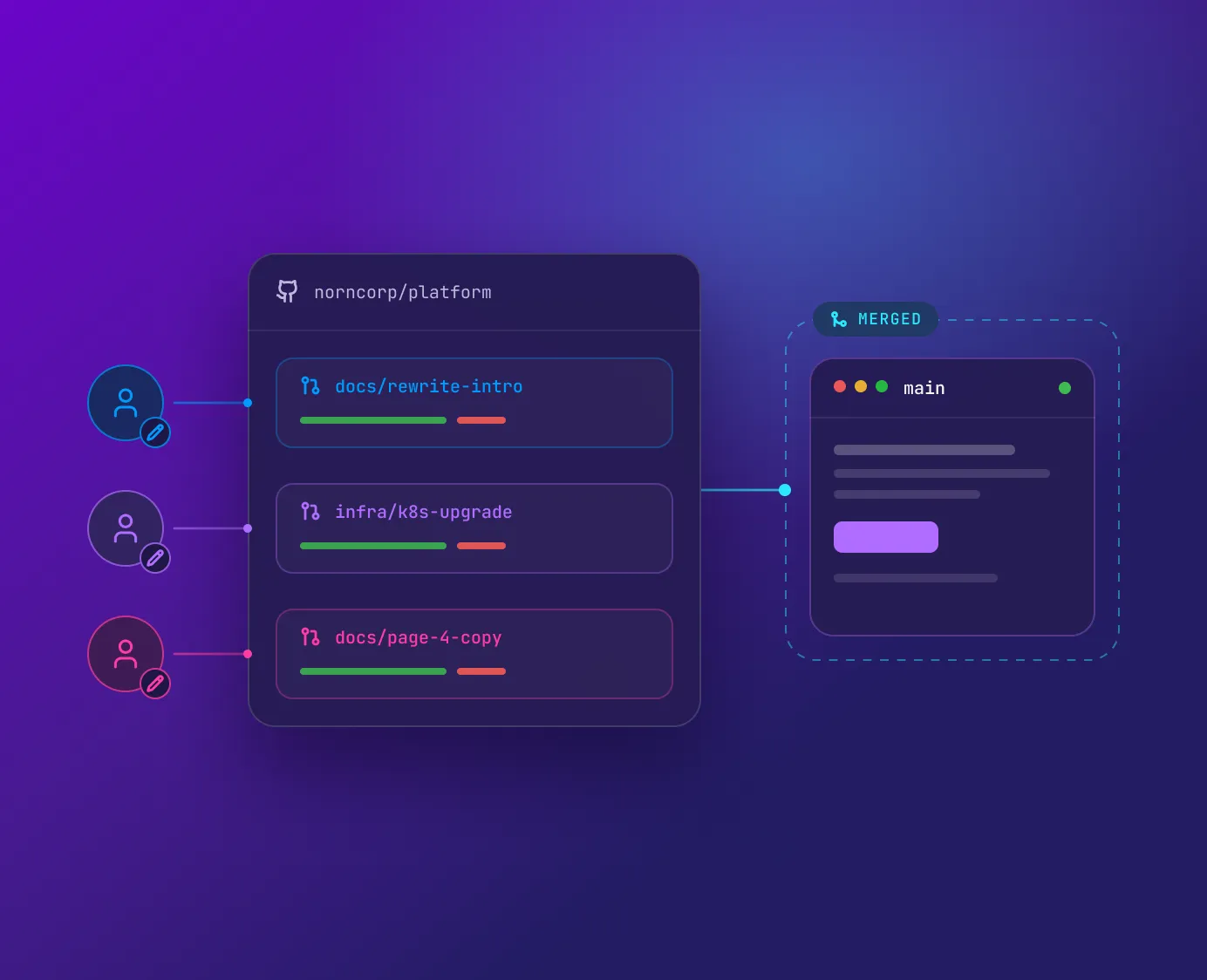
Ship POC labs that work the first time
What our clients say









Frequently asked questions
No. Every lab is version controlled from the moment it's created, with no GitHub setup and no separate tools. The GitHub integration is optional, for teams that want lab content in their own repository, and it supports monorepos. Without a connected repository you still get branches, version tags, edit mode, and inline comments on resources. Connecting one later is an option, not a migration.
No. Existing labs are unaffected, legacy and 2.0 run side by side during the transition, and there is no forced migration. Legacy is supported until 27 September 2027. Migration tooling launches with GA on 29 September 2026.
Create a branch. It is a complete working version of the lab that can be played and shared on its own, so you can run the change end to end while the version learners use stays untouched. Run validate to check the lab's definition, resource references, and task mappings before it runs. Edit mode keeps viewing and editing separate throughout, and version tags mark what is current.