
Run live labs and workshops at any scale
Live labs are hands-on sessions you run for a room, a booth, or a virtual class, each attendee working in a real product environment. One invite link, one isolated sandbox per attendee, and one dashboard that shows you who needs help. No installs, no shared infrastructure, no guessing.
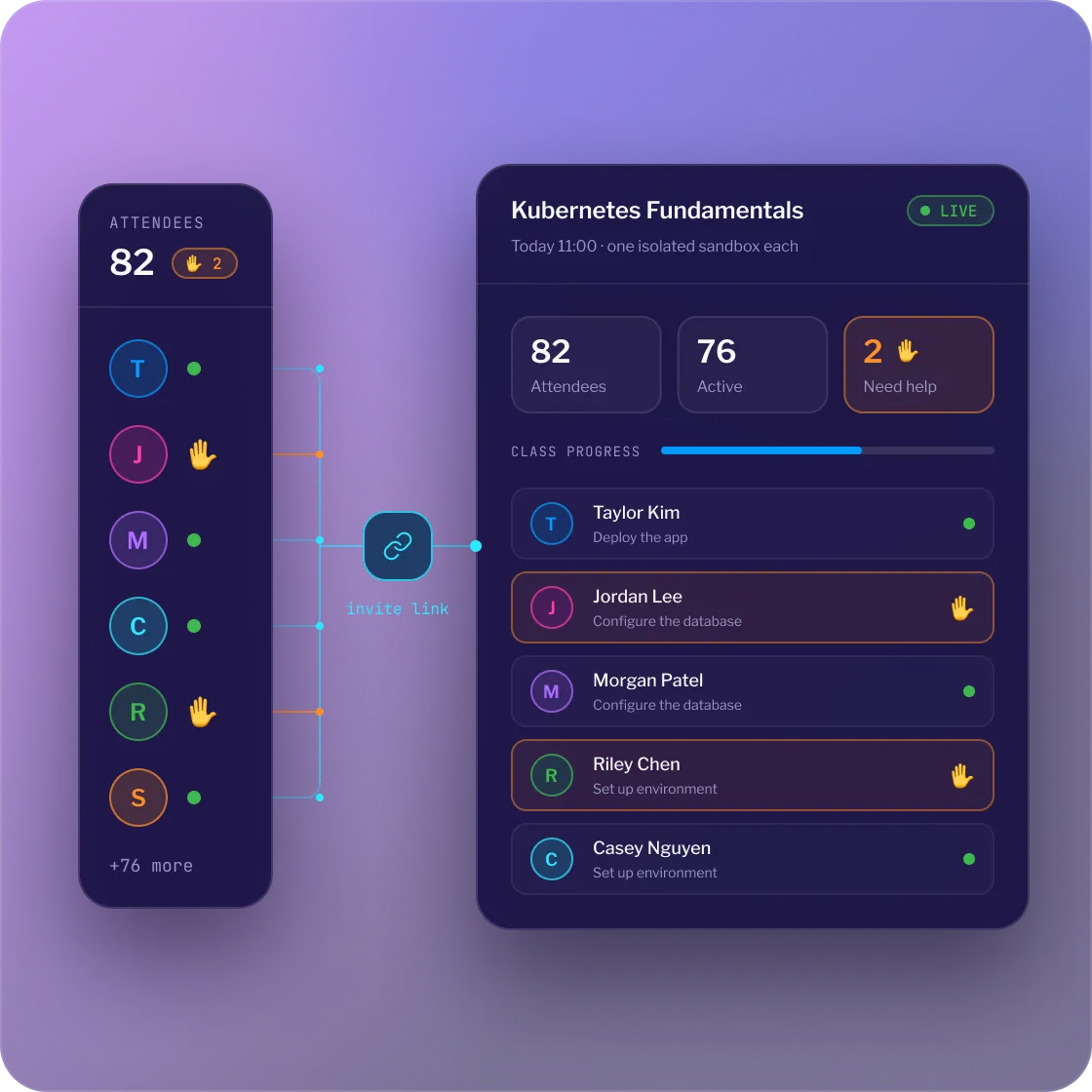

.webp)
Focus on teaching, not infrastructure
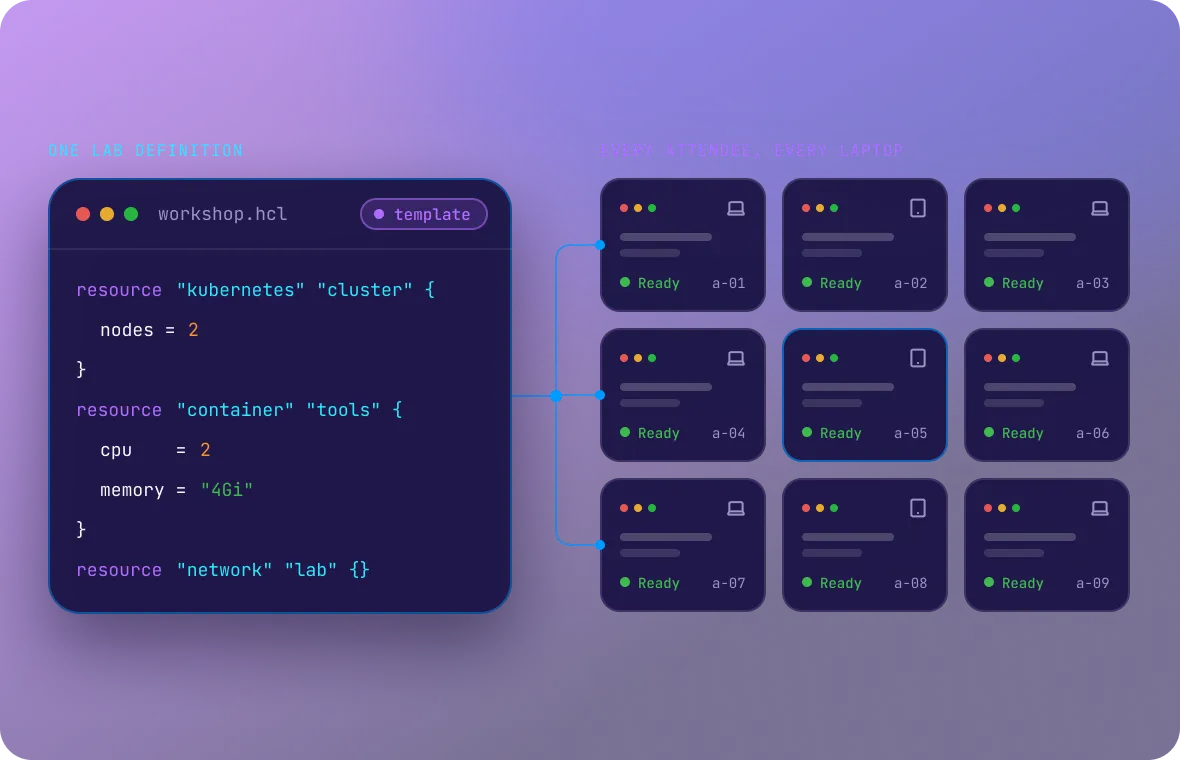
Every attendee starts in a working environment

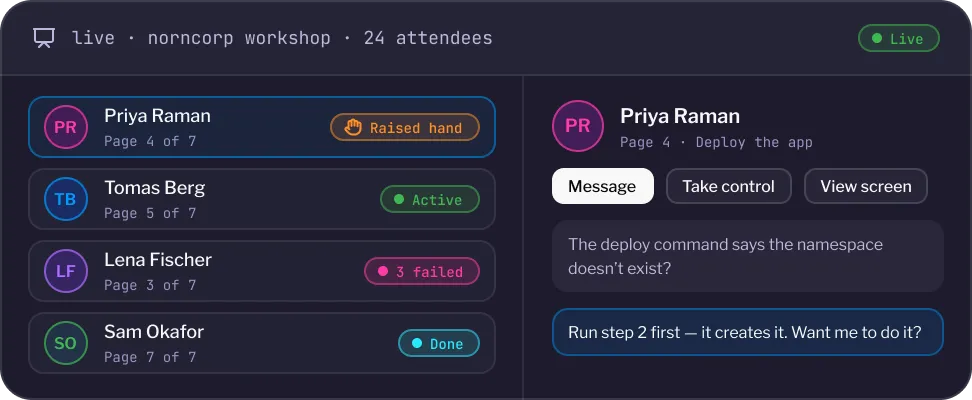
The instructor dashboard, in real time
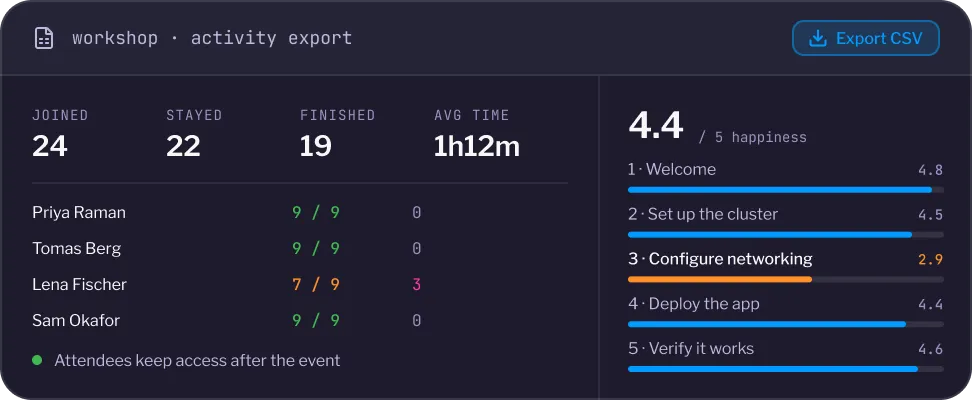
Leave with results, not an attendance list

The Instruqt Difference Version control that teams can actually review.


See where Live events & instructor tools creates value

.svg)
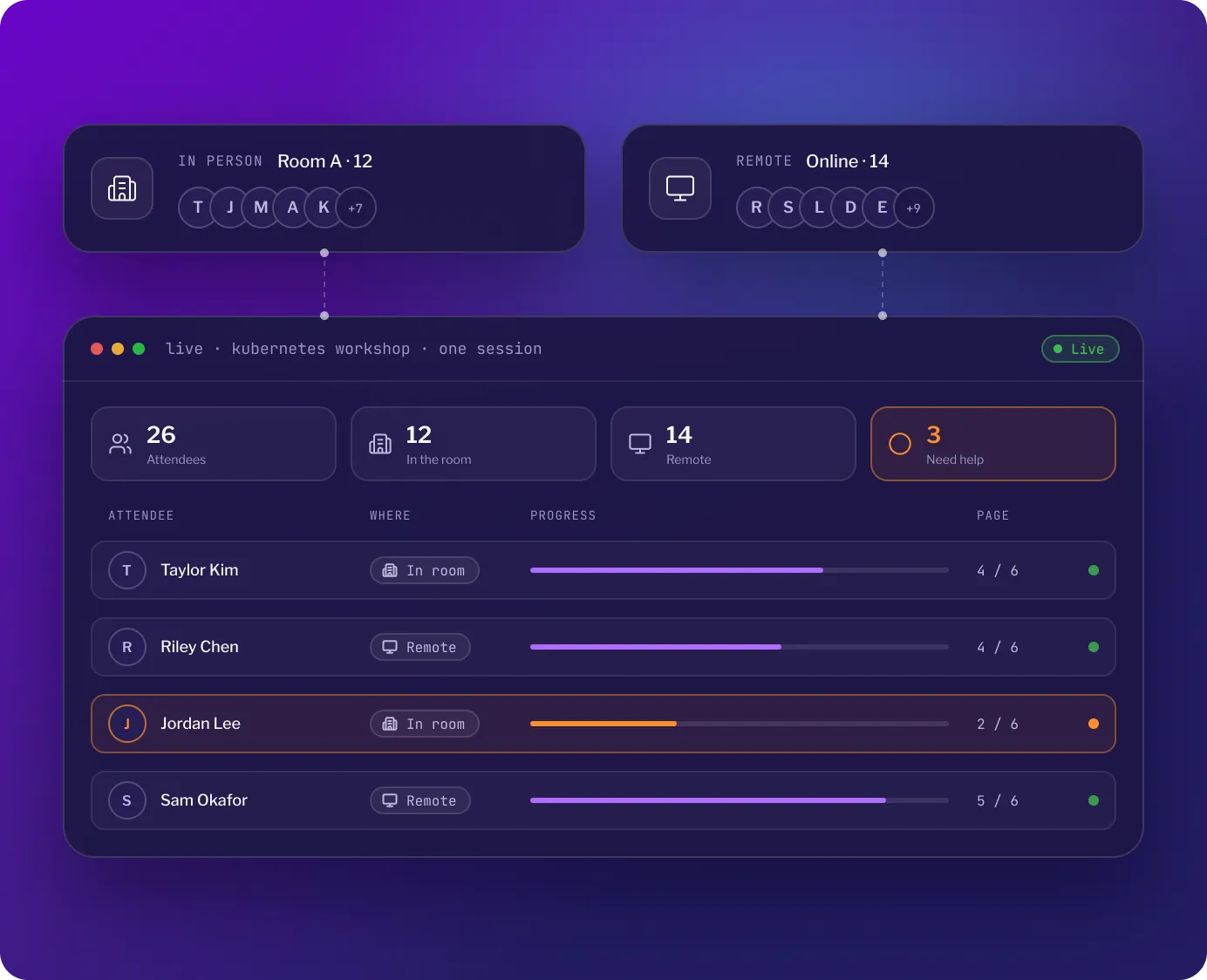
Teach in person and remote in one session
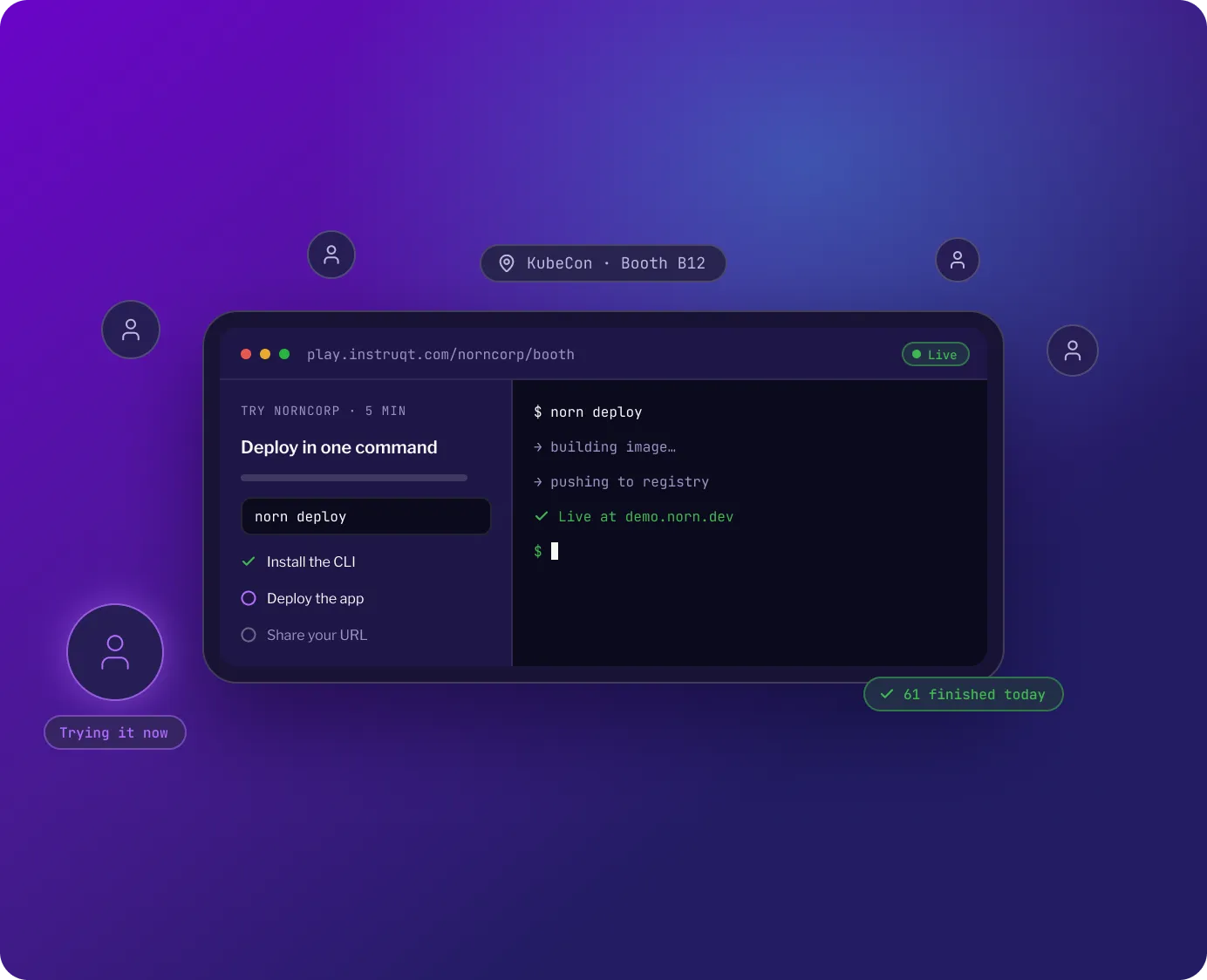
Turn booth traffic into hands-on time
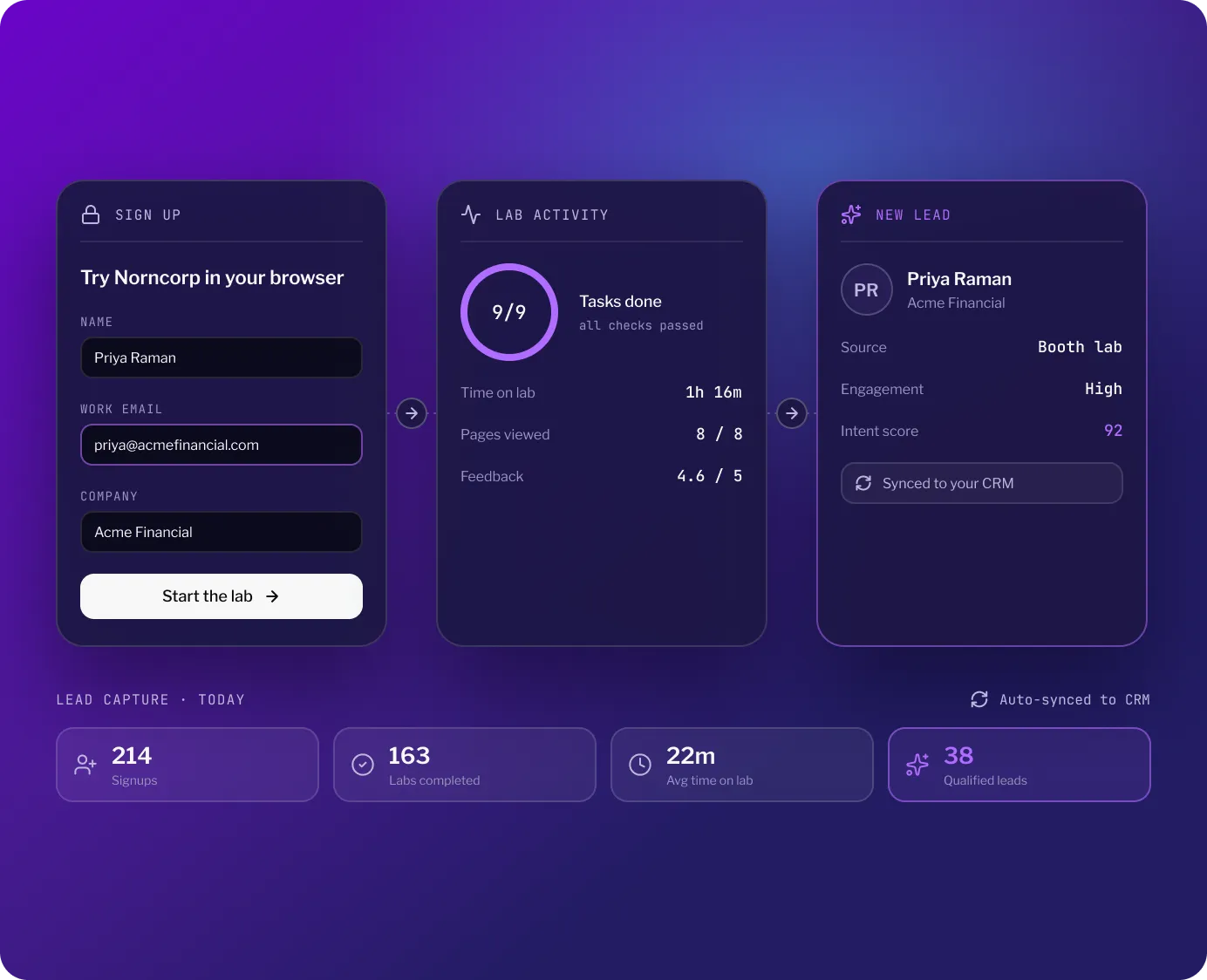
Qualify attendees on what they did
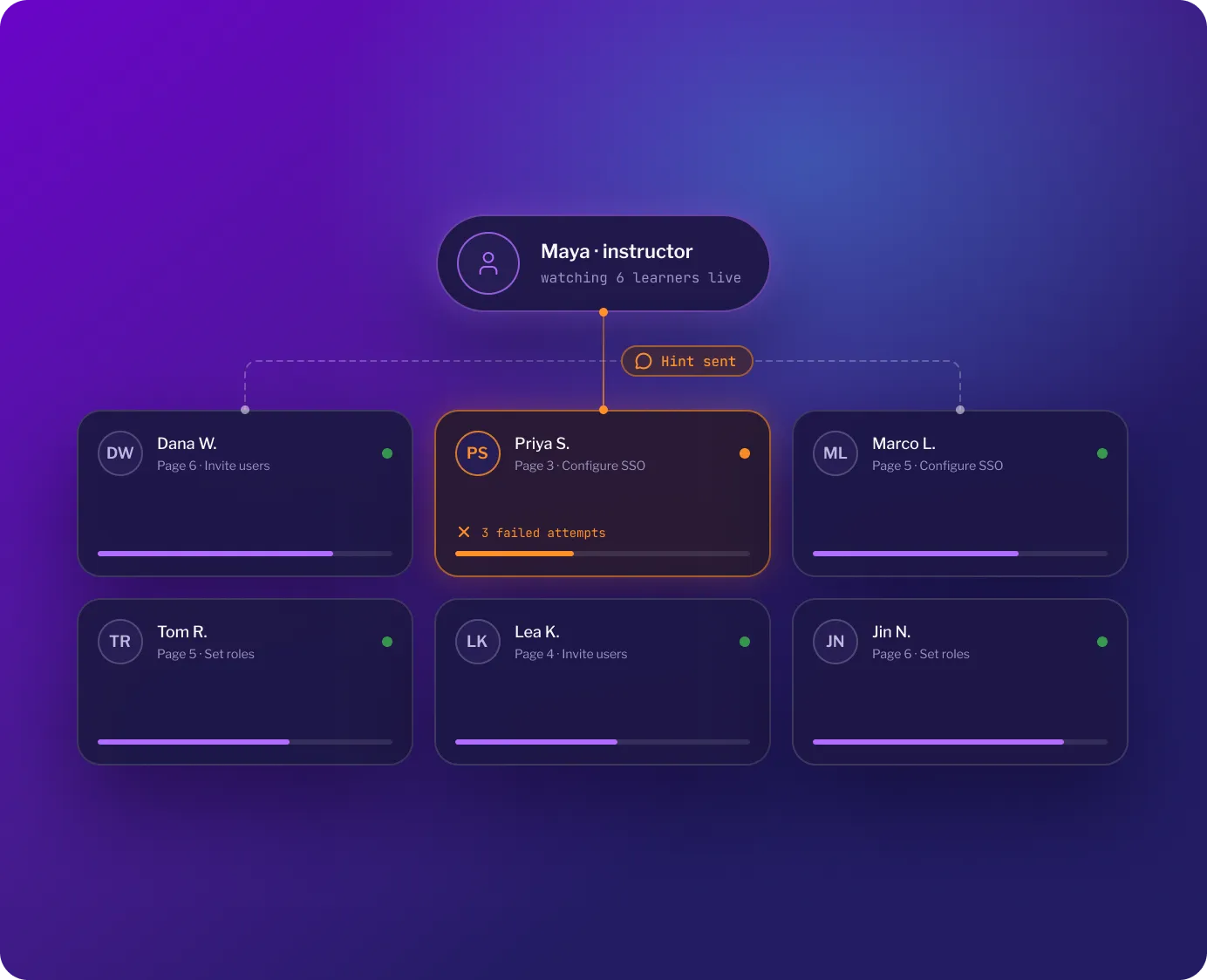
Onboard a cohort without a ticket queue
What our clients say








Frequently asked questions
There is no fixed cap on simultaneous attendees. Larger groups do increase the time it takes to create everyone's sandbox, so you set the number of unique users on the invite when you create it. For scale reference: Solo.io ran 400 concurrent attendees, 250 in person and 150 virtual, and SUSE grew a Rancher Day planned for 100 users to hundreds of participants.
Not at Instruqt 2.0 launch. Hotstarts, pre-warmed sandbox pools, are on the post-GA list, so at GA each sandbox is provisioned when the attendee starts. The legacy platform's hot start pools remain available through 27 September 2027, and legacy and 2.0 run side by side.
Both. A Live event invite gives you the dashboard, chat, and help indicators for a scheduled session; a self-paced invite lets people work through the same lab on their own schedule. Hybrid works too: Solo.io ran 250 attendees in the room and 150 remote in one session, with no infrastructure instability.
Yes. Anyone on your team with the content creator, owner, or instructor role can open the live dashboard, and several people can use it at once. A co-host can watch the help indicators and answer messages while the lead instructor teaches.